

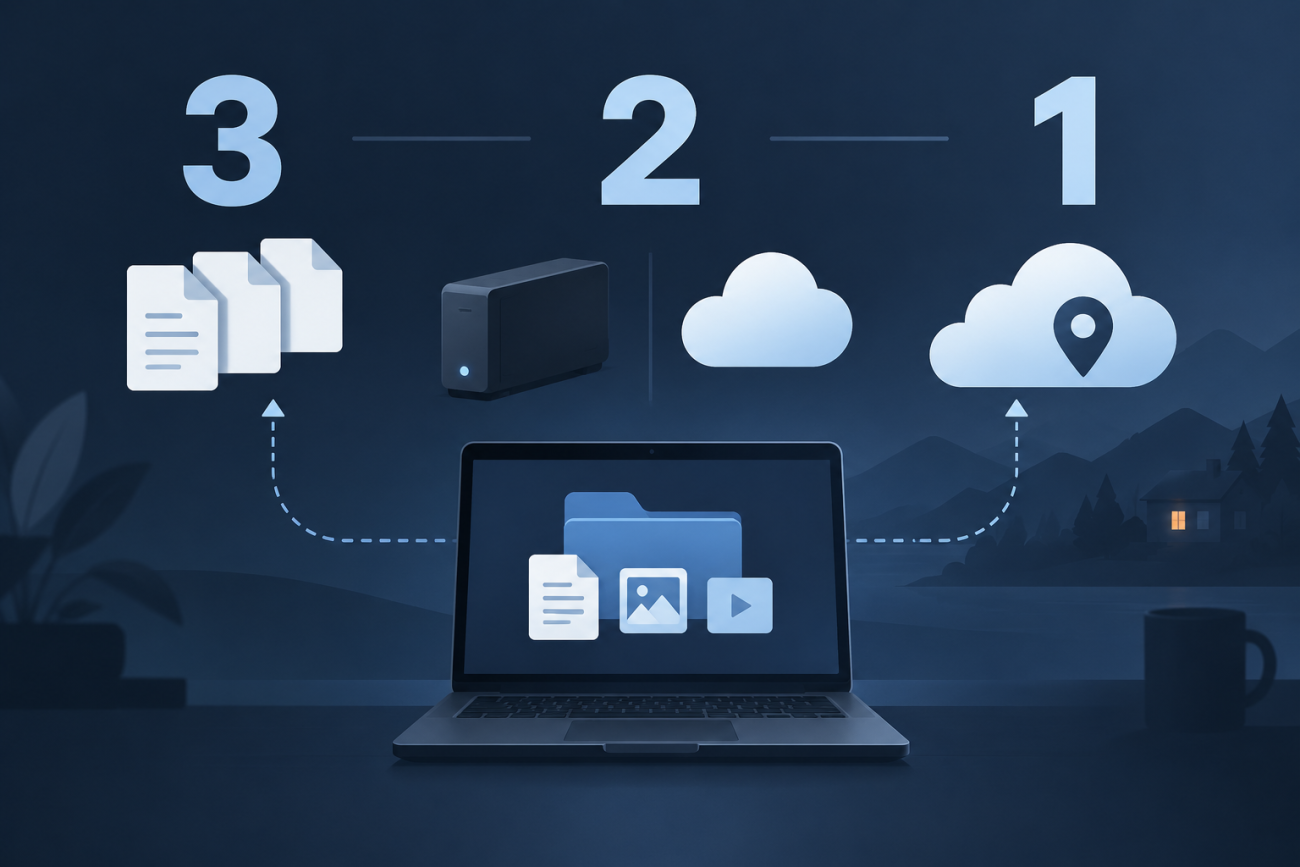
Ask five people how they back up their computer and you will get five different answers. The 3-2-1 rule is the short version most of them have in mind, even when they have never heard the name. It is a small checklist that turns "I really should make a backup" into a plan you can actually verify.
What the 3-2-1 rule means
The rule answers three questions at once: how many copies you keep, how they are stored and where they live. In its classic form it says:
- 3 copies of your data — the original plus two backups.
- 2 different kinds of storage — for example an external drive and a cloud service, not two folders on the same disk.
- 1 copy off-site — somewhere other than where your device lives.
The point is not to memorise the numbers. It is to make sure that no single event — a dead drive, a stolen laptop, a fire or a ransomware attack — can take out every copy at once.
Three copies: your original plus two backups
You already have the first copy: the files on the device you use every day. The other two are what actually protect you, because a single backup is a single point of failure. If you keep only one external drive and it fails in the middle of a restore, the original may be the very thing that just broke.
Two backups also let you keep older versions. When a file is corrupted, encrypted by malware or deleted by mistake, you can reach for a copy that has not been touched yet.
Two kinds of storage: don't trust one basket
The second number is about diversity. Two copies on the same hard drive, in the same RAID array or in the same cloud account share the same failure modes: the same power supply, the same controller, the same outage, the same compromised password.
A practical combination is one local copy on fast, easy-to-reach storage and one remote copy managed by a provider. Local storage makes restores quick; cloud storage survives local disasters. Using two different mechanisms is the whole idea.
One copy off-site: the copy that survives
Off-site means physically somewhere else — a cloud service, a NAS at a friend's house, or an external drive you keep at the office or in a safe deposit box. A backup that sits next to the computer protects you against a failed disk and almost nothing else.
An off-site copy is also what makes a backup useful against theft and fire, and it is the reason cloud backup became the default for phones. When you pick a provider, check that the data is encrypted and that you still know how to get it back if the account is ever locked or closed.
Where the 3-2-1 rule falls short
3-2-1 is a good baseline, but it leaves out two things that cause a lot of real-world pain. That is why many people extend it to 3-2-1-1-0:
- 1 offline or immutable copy. Ransomware and accidental deletions can reach any copy your computer can write to. An offline drive, or a versioned and immutable cloud copy, cannot be encrypted or erased along with your files.
- 0 errors after a restore test. A backup you have never restored is a hope, not a backup. Restore a file, a folder and — occasionally — a whole system, and confirm that the result really opens.
A simple 3-2-1 setup at home
You do not need enterprise hardware. A workable setup for a typical home or small office looks like this:
- Automate a cloud backup of the folders that matter most — documents, photos and anything you cannot recreate.
- Add a local external drive for fast, full restores and for a copy that does not depend on your internet connection.
- Disconnect the drive or move it off-site when you are not using it, so it stays out of reach of malware and theft.
- Write down how you would restore. A short note about which app or service holds which data turns a panic into a checklist.
For a phone the same idea applies on a smaller scale: the built-in cloud backup covers app data and settings, a photo service covers your pictures, and a periodic export to a computer covers the rest.
Is your backup really 3-2-1?
Run through this list once and answer honestly:
- Do I have three copies of the files I would hate to lose?
- Are at least two of them on different types of storage?
- Is at least one of them in a different place from my device?
- Is one copy offline, immutable or versioned, so it survives ransomware?
- Have I restored something from each copy in the last year?
If every answer is yes, you have a backup plan. If not, fix one line at a time — the rule is deliberately simple so that you can.