
FanBox Desktop: web operating system as online backup storage
Online backup storage are very popular backup solutions. They have many good features. Your files are available from anywhere (if there is a web access) and the files are secured from floods, fire disasters or robbery in your house. Web operating systems are interested projects which brings the complete desktop to your web browser. Now you can use them as a specific online backup storage.
If you are interested in a more detailed overview of a few web operating systems currently available, check my article Web operating systems: are they usable already? at Maxiorel.com. I selected FanBox Desktop because of its nice user interface and file upload tool. And it is free.
How to backup files to FanBox Desktop
At first, you have to sign up to using this web operating system. Then Sign In with your credentials. As soon as you are logged in, click the Profile link at the top of the web page. Then you will see your web operating system's desktop. It could look like this:
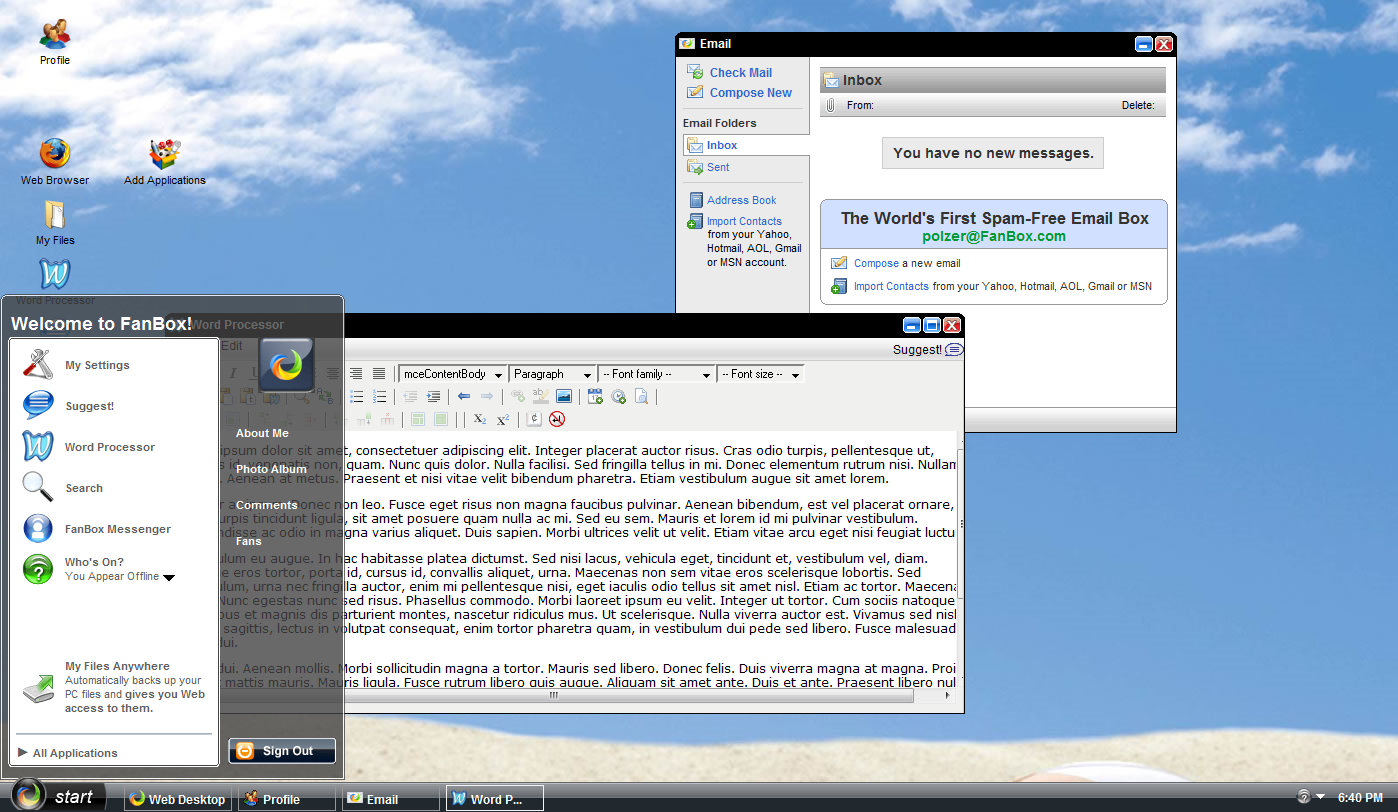
FanBox Desktop
Double click the My Files icon. You will see a file manager window with some folders. Navigate to them and click the Upload a File link on the left. You will see a dialog with the Browse button (sorry, my screenshot is in Czech). Select a file from your computer and Upload it.
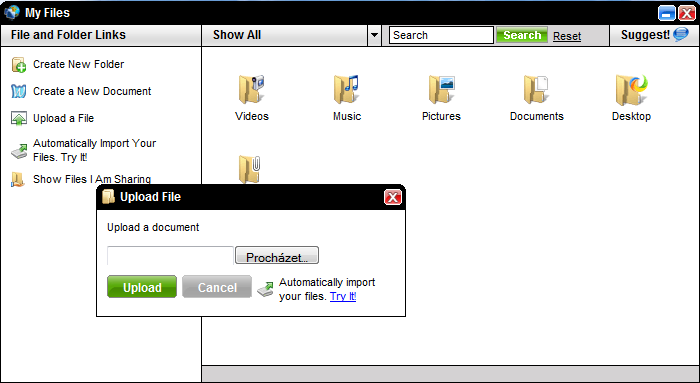
Uploading File
Manual file upload using the Upload tool is not very comfortable. That's the reason why FanBox Desktop provides a special tool for automatically importing the files to the system. Click its link and click the Download Now button.
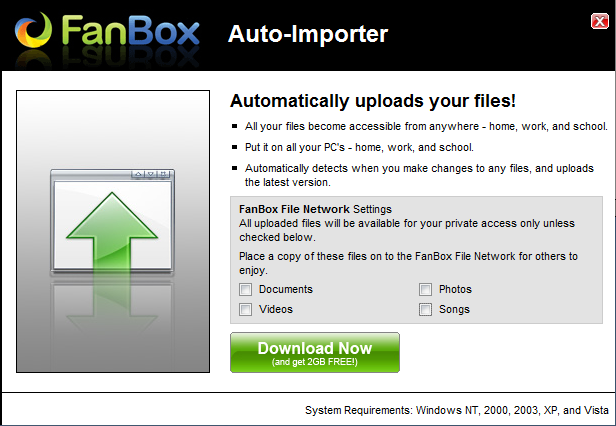
FanBox Auto-Importer tool download
FanBox Auto-Importer installer will be downloaded and after you run it you will be prompted with this tool's installation. It will create a systray and desktop icons for you.
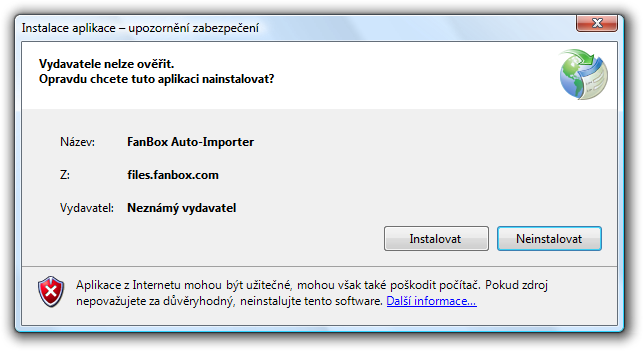
FanBox Auto-Importer tool installation
FanBox Auto-Importer
Run the Auto-Importer tool and log in with your FanBox's credentials. You will be prompted with selection for which files you would like to synchronize. I recommend to select the second options for scanning only Documents folder.
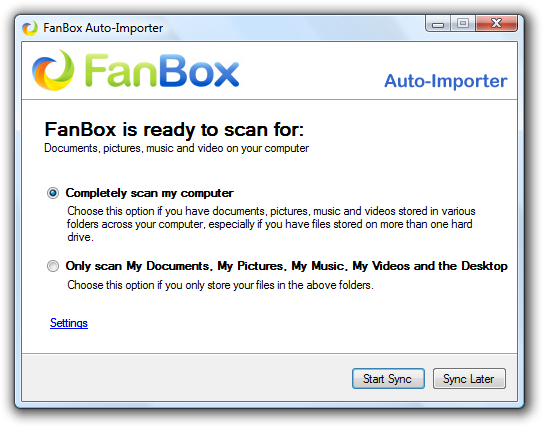
FanBox Auto-Importer tool sync selection
As soon as you will click the Start Sync button, the synchronization process will start. The Auto-Importer will search for your documents, pictures and song and will upload them to your own 2GB FanBox Desktop space.
I have found a few cons:
- You can not setup only one concrete folder for the sync process
- There is no information about uploading
- This tool don't remembers your login
- It works only in Windows
So the FanBox Desktop itself is very interested project. Sharing the uploaded files is a good idea and access to your files from anywhere could be critical.
Updated December 7, 2008: You should be extremely careful what kind of files (passwords, e-mails) you upload to the FanBox or similar services. It is up to you if you trust to this services. Check Google and FanBox spam search.