
AUTHOR
Articles by Backup HowTo Editorial
CLOUD
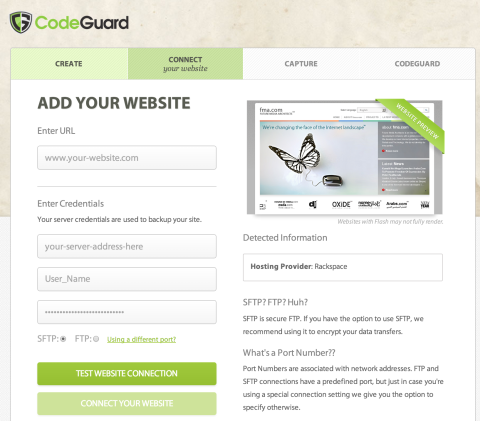
How Automated Website Backups Give You Peace of Mind
Online data backup is no longer a sweet concept but a rather necessary addition to your online business. Not only is it a breakthrough that you can depend on to secure your most important files, it is also a great time saver that allows you the space to do more productive activities.
ANDROID
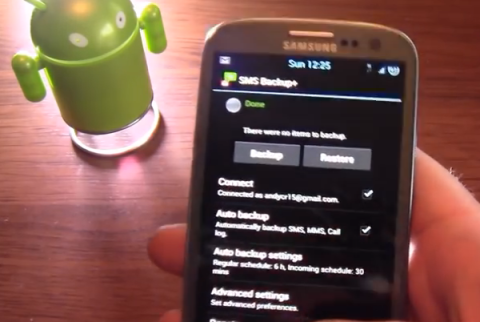
How to backup SMS on Android
It is a well known fact that every Android device comes with limited storage that can’t handle all your SMS and other data. Backing up your SMS on Android comes with the advantage of not only securing your SMS in case your Android device gets lost but also helps you free up more space on your device.
PHOTOS
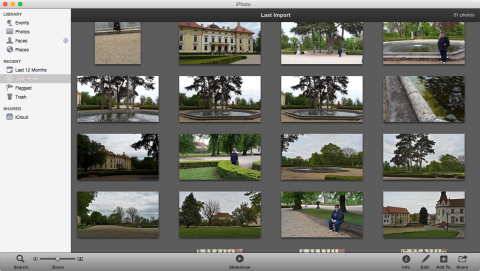
How to backup iPhoto
It is highly advisable that you backup iPhoto either to a disc or a drive if you really want to be on the safe side. Doing so helps you to ensure that you don’t suffer a devastating experience when your computer crashes as you are sure that your highly treasured photos won’t be lost.
CLOUD
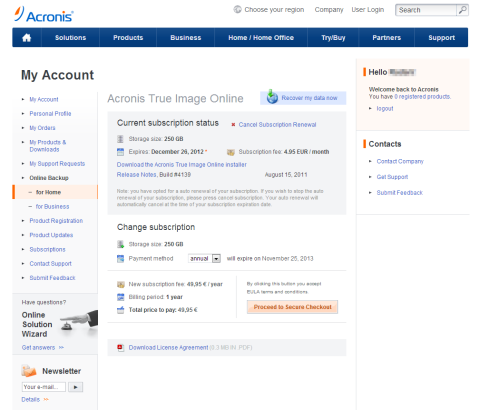
Acronis True Image Online: How to install the client and configure backup
One of the possibilities how to keep your data safe and backed up is using some kind of online service providing backup solution. Acronis is one of them and if you are willing to pay for it, it provides fast and reliable solution. This article describes how to install the client and configure your backup.
BACKUP HOW-TOS
Windows 7 Backup and Restore
Windows 7 sports a greatly improved Backup and Restore utility that is leaps and bounds over previous Windows versions. Windows 7 makes the creation of safety copies of all your essential data just in case a catastrophe should strike, like an insidious piece of malware wiping everything out.
GOOGLE CHROME
Google Chrome Backups
Google Chrome is quickly becoming everyone's favorite web browser. It's quick, sleek, free, and clean and made by everyone's favorite search engine company. Web browsers keep track of a lot of user data that makes your web experience even better. Data like history, bookmarks, cache, saved passwords are all saved by the web browser to speed up web browsing and to streamline your surfing experience.
WINDOWS
Windows Registry Backup
Every time you install a new application on your Windows computer, the application will most likely make changes to a huge application database called the "Windows Registry". Think of the Windows Registry as a large collection of application and system settings and configurations. When the Windows Registry is in decent health, Windows is happy and runs smoothly.
WINDOWS
Backup Partitions in Windows
Most of the time, when Windows is installed, all of its system files that make up the operating system are dumped onto a single hard drive partition (C: drive by default). This is the easiest way to install Windows.
WINDOWS
Smaller Backups with WinRAR
Reducing the size of your backups is key to conserving storage space. The smaller your backups are, the more storage space you'll have (flash drive, external hard drive, cloud). If you backup your data to an online storage service (Amazon Cloud), it will behoove you to make your backups as compact as possible, as online storage services usually charge you for the amount of storage space you consume.
WINDOWS
Backing Up With Windows Briefcase
The Windows Briefcase feature has been around for a long time, but a lot of users don't take advantage of this feature because they don't know what it does or don't see how Briefcase makes backing up and synching all your important files a snap to do.
WINDOWS
Backup Encryption With TrueCrypt
Keeping backups of all your valuable documents is highly important. And if your documents contain sensitive information (financial records, tax documents, receipts, etc.) it's a good idea to encrypt and password-protect your documents from prying eyes. Imagine backing up all your financial records to your laptop onl…
GMAIL
Gmail Backups Made Simple
Gmail is an excellent web-based email service from Google. Gmail offers a clean interface into your inbox from your favorite web browser and a generous amount of storage space. Having all of your email stored remotely (on the Gmail servers) is convenient if you'd like to access your email from anywhere, but what if …