
GUIDES
Backup How-tos
Step-by-step guides to backing up and restoring phones, computers, files and more — practical instructions you can follow without any prior setup.
WINDOWS
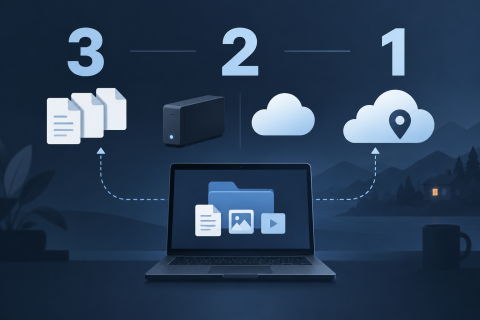
The 3-2-1 backup rule explained
Three copies, two kinds of storage, one off-site. The 3-2-1 rule is the shortest useful backup plan — here is what it means, where it falls short and how to put it together at home.
ANDROID
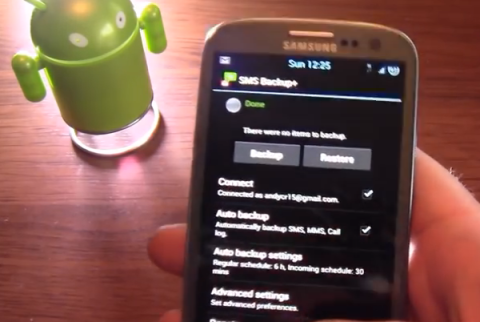
How to backup SMS on Android
It is a well known fact that every Android device comes with limited storage that can’t handle all your SMS and other data. Backing up your SMS on Android comes with the advantage of not only securing your SMS in case your Android device gets lost but also helps you free up more space on your device.
MYSQL
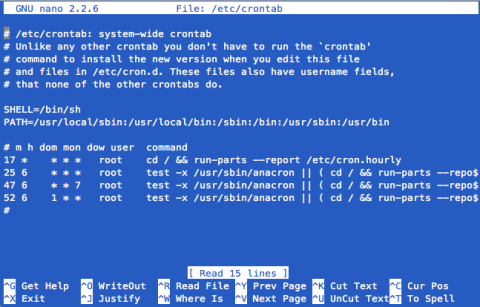
How to Backup MySQL Database automatically (for Linux users)
If you are a serious webmaster and have your own server, you should take special care of your data. If you are a BSP (Blog Service Provider) or have a large forum, you need backup the database every day. But it is a boring work indeed. Why not to let the computer do the dirty work? Cron can help you.
PHOTOS
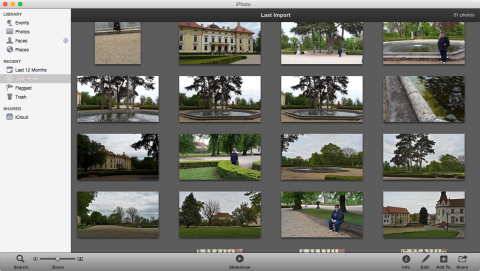
How to backup iPhoto
It is highly advisable that you backup iPhoto either to a disc or a drive if you really want to be on the safe side. Doing so helps you to ensure that you don’t suffer a devastating experience when your computer crashes as you are sure that your highly treasured photos won’t be lost.
IPHONE
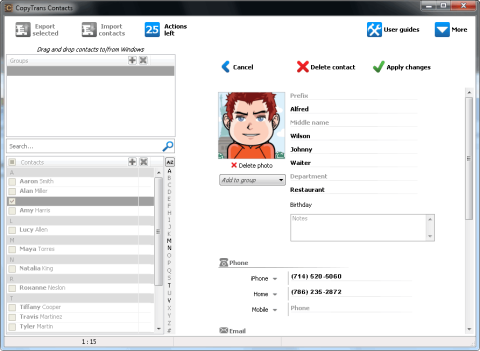
CopyTrans Contacts: how to backup iPad and iPhone contacts
The new app from CopyTrans offers simple edition and backup your iPhone contacts, also iPad or any other iOS device without iTunes or iCloud.
WINDOWS
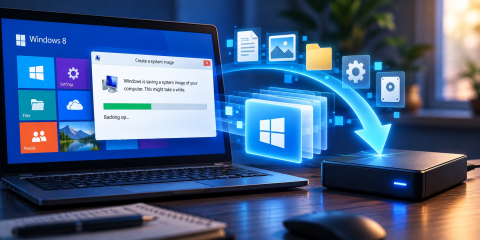
Creating A Windows 8 System Image For Backup Purposes
Windows 8 comes with a wonderful set of backup tools, that are incredibly easy to use, that put very little stress on the user, and allow almost any user to handle basic backup utilities.
BACKUP HOW-TOS
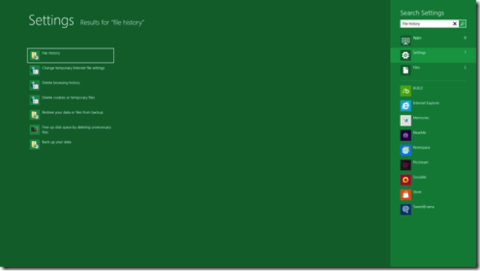
Turning On File History In Windows 8
Windows 8 comes with a lot of interesting features. Microsoft is working to upgrade the parts that were faulty in Windows 7, and add a couple of new options as well.

WINDOWS
Windows 8 File History Backup: How-To
Whereas the new backup system for Windows 8 might not be suited for all kinds of users, it certainly helps home users of the general requirement of having to consider 3rd party applications, go through reviews and go through different licensing systems.
WINDOWS
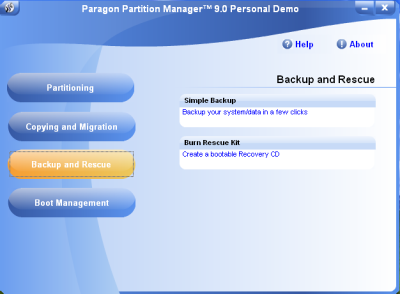
Preparing for Windows 8 Backup With Paragon Software
Image Backup for Windows 8 is one of those backup tools that need not much figuring out. As odd as that past sentence may sound, the point is, it does exactly what it should – it backs up data on Windows 8 machines.

CLOUD
How to back up your Minecraft saves
Minecraft is an exceptional creative sandbox building game that was created by Markus Notch Persson. His company Mojang currently develops this game. This game is immensely based upon putting your creativity and imagination to work to make 3D world out of the textured cubes.
WEBSITE
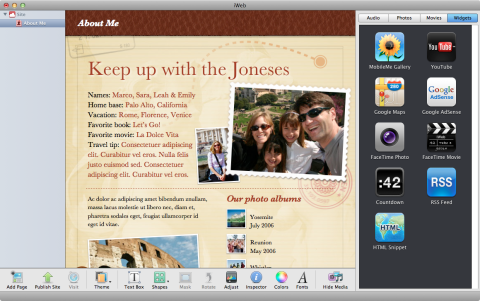
How to back up your iWeb website
One of the gifts of Mac OS is the simple yet incredible application called the iWeb. This application is particularly useful in designing and creating your own web pages. iWeb is a wonderful application that lets you soar your imagination into designing your website or blog through media such as photos, videos and of course text.
How these backup guides work
Each guide walks through one task: what to back up, which tool to use, and how to check that the copy actually restores. Topics range from Windows, macOS and Linux to Android and iPhone, plus photos, email, databases and websites.