
GUIDES
Windows
Windows backup guides — File History, System Image, restore points and third-party tools.

WINDOWS
The 3-2-1 backup rule explained
Three copies, two kinds of storage, one off-site. The 3-2-1 rule is the shortest useful backup plan — here is what it means, where it falls short and how to put it together at home.
WINDOWS
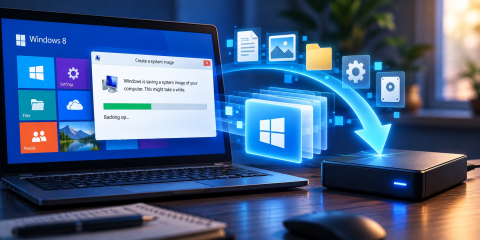
Creating A Windows 8 System Image For Backup Purposes
Windows 8 comes with a wonderful set of backup tools, that are incredibly easy to use, that put very little stress on the user, and allow almost any user to handle basic backup utilities.
BACKUP HOW-TOS
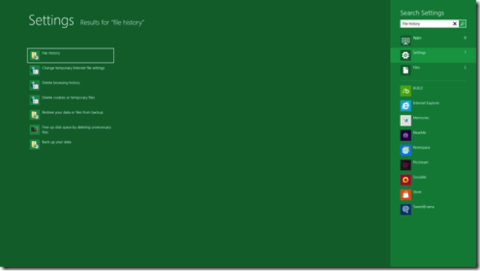
Turning On File History In Windows 8
Windows 8 comes with a lot of interesting features. Microsoft is working to upgrade the parts that were faulty in Windows 7, and add a couple of new options as well.

WINDOWS
Windows 8 File History Backup: How-To
Whereas the new backup system for Windows 8 might not be suited for all kinds of users, it certainly helps home users of the general requirement of having to consider 3rd party applications, go through reviews and go through different licensing systems.
OTHERS
Native Windows 8 Backup System – Will It Catch On?
Windows Backup did not gain an amazing reputation – people that use it, use it mostly because it’s convenient and free, rather than because they feel they can count on it.
WINDOWS
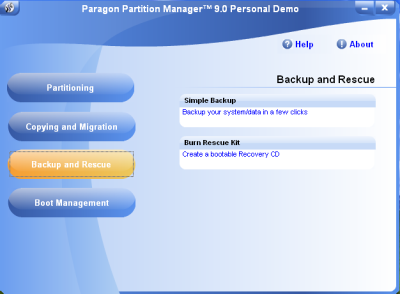
Preparing for Windows 8 Backup With Paragon Software
Image Backup for Windows 8 is one of those backup tools that need not much figuring out. As odd as that past sentence may sound, the point is, it does exactly what it should – it backs up data on Windows 8 machines.
WINDOWS
7zbackup - How to backup Windows with PowerShell and 7zip
Backing up can be a very tedious and a repetitive task. Hence, to save time and effort 7zbackup is often made use of.
WINDOWS
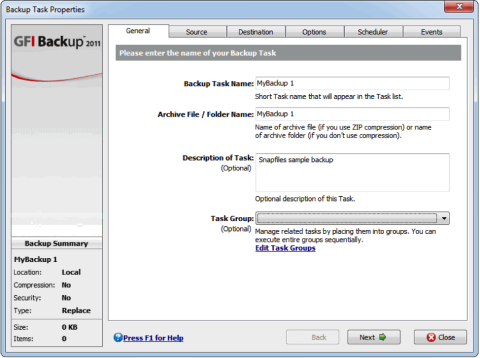
GFI Backup Home Edition – What To Expect
Decent freeware backup software is hard to come by, especially if you expect it to do a little more than just backup one file or to. However, if what you’re looking for is a tool that will aid a home user in his backup procedures then you might be pleased to know that GFI Backup Freeware (or Home Edition) does its j…
WINDOWS
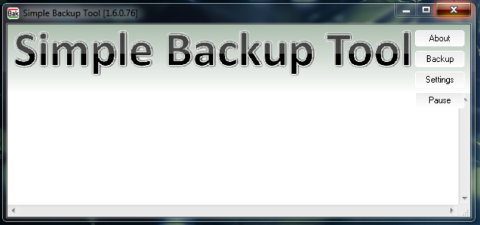
Simple Backup Tool - Safe Backup
The files on your hard drive are important to you – whether they are your own personal files, or because you actually need them in your daily job. This means that you need to have some sort of security in place to make sure you have a contingency plan for rougher days.
WINDOWS
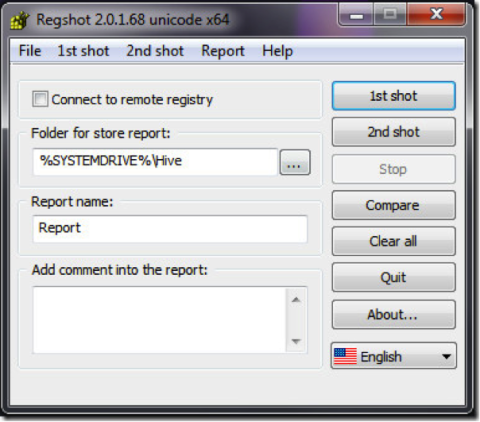
How to backup Windows registry with RegShot
In a world filled with backup solutions, you’d think there isn’t space for another application. Think again though – RegShot has the advantage of being both free and open-source, not to mention an excellent solution if you’re looking for an application that does just that – backup your registry.
BACKUP HOW-TOS
How to create custom backup mage for Windows 8 Refresh PC feature
Windows 8 offers many new features. Regarding the backup there is a nice option to set the system to the state after the installation. Using Refresh PC you can bring back the stable system state without modifying your data. There is also a special trick to create custom image to be used via Refresh PC in Windows 8.
Backing up on Windows
Windows includes File History and System Image, and there are many third-party tools. These guides explain what each one protects and how to restore from it.